BIG NEWS: Homestead is a 2026 BBB Torch Awards for Ethics Finalist.
READ THE STORY →

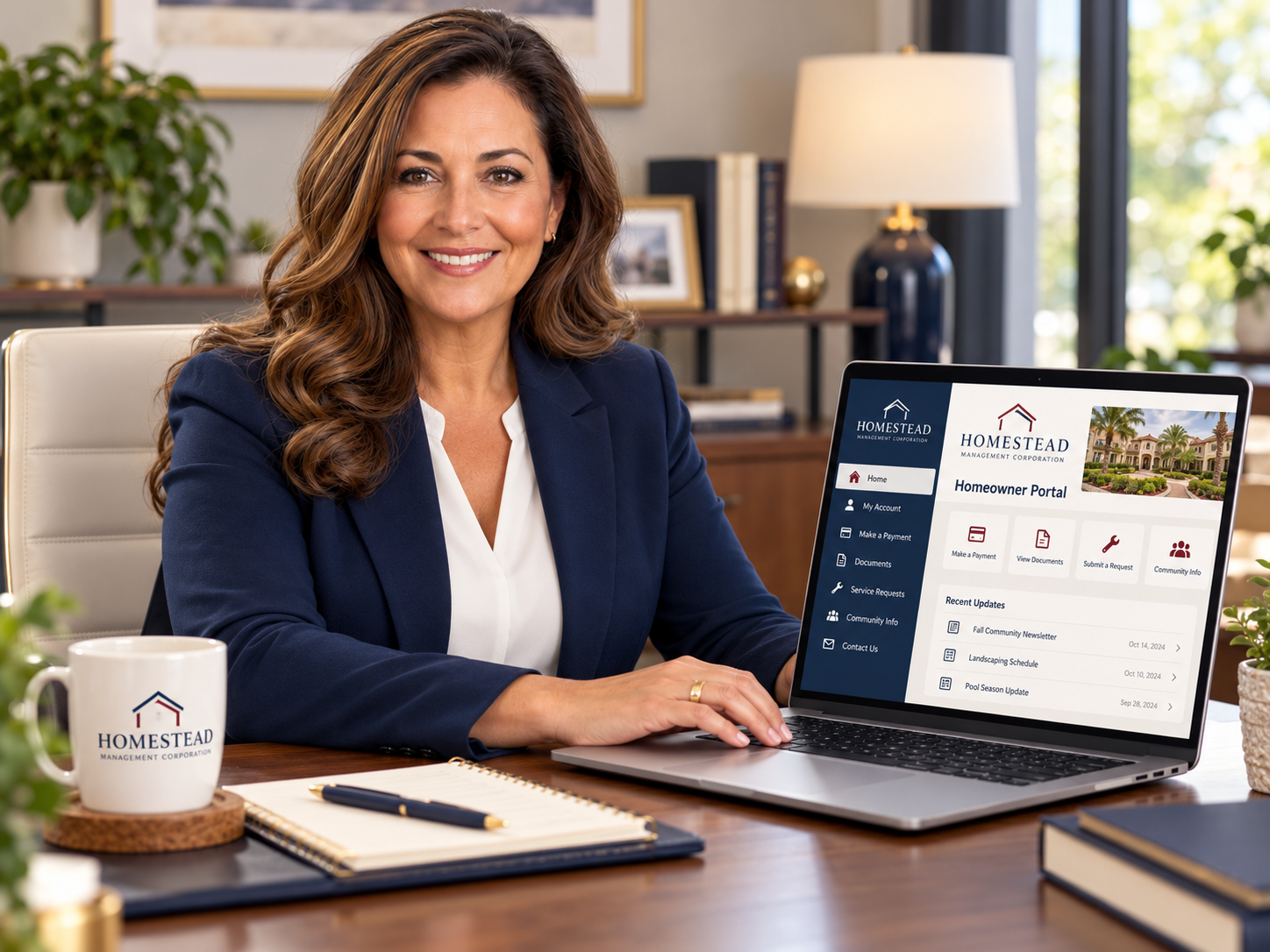
Use the portal link provided by Homestead and sign in with the email address associated with your HOA account. You can request a one-time login code by email or use your password. If you cannot receive a code or access your account, contact Homestead for help.
Your Homestead homeowner portal gives you access to your association information, account and payment options, community documents, requests, and other important community resources.
Hannah walks through the easiest ways to access your new portal, including what to do if you do not know your password.
Use the link in the portal invitation email from Homestead Management.
You can also access the portal using the email address associated with your HOA account and request a one-time login code. The code will be sent directly to your email.
From the login screen, select Log In with Password, then Forgot your login?
Enter your email address and select Send Code. Check your email for the code and follow the prompts to create a new password.
First, check your spam or junk folder.
You can also go directly to the homeowner portal, enter the email address associated with your HOA account, and request a one-time login code.
If you still do not receive a code, email info@homesteadmgmt.com so our team can help verify your portal access.
Email info@homesteadmgmt.com. Your message will be routed to the appropriate Homestead team member.
[CLICK HERE TO ACCESS YOUR HOMEOWNER PORTAL]