BIG NEWS: Homestead is a 2026 BBB Torch Awards for Ethics Finalist.
READ THE STORY →

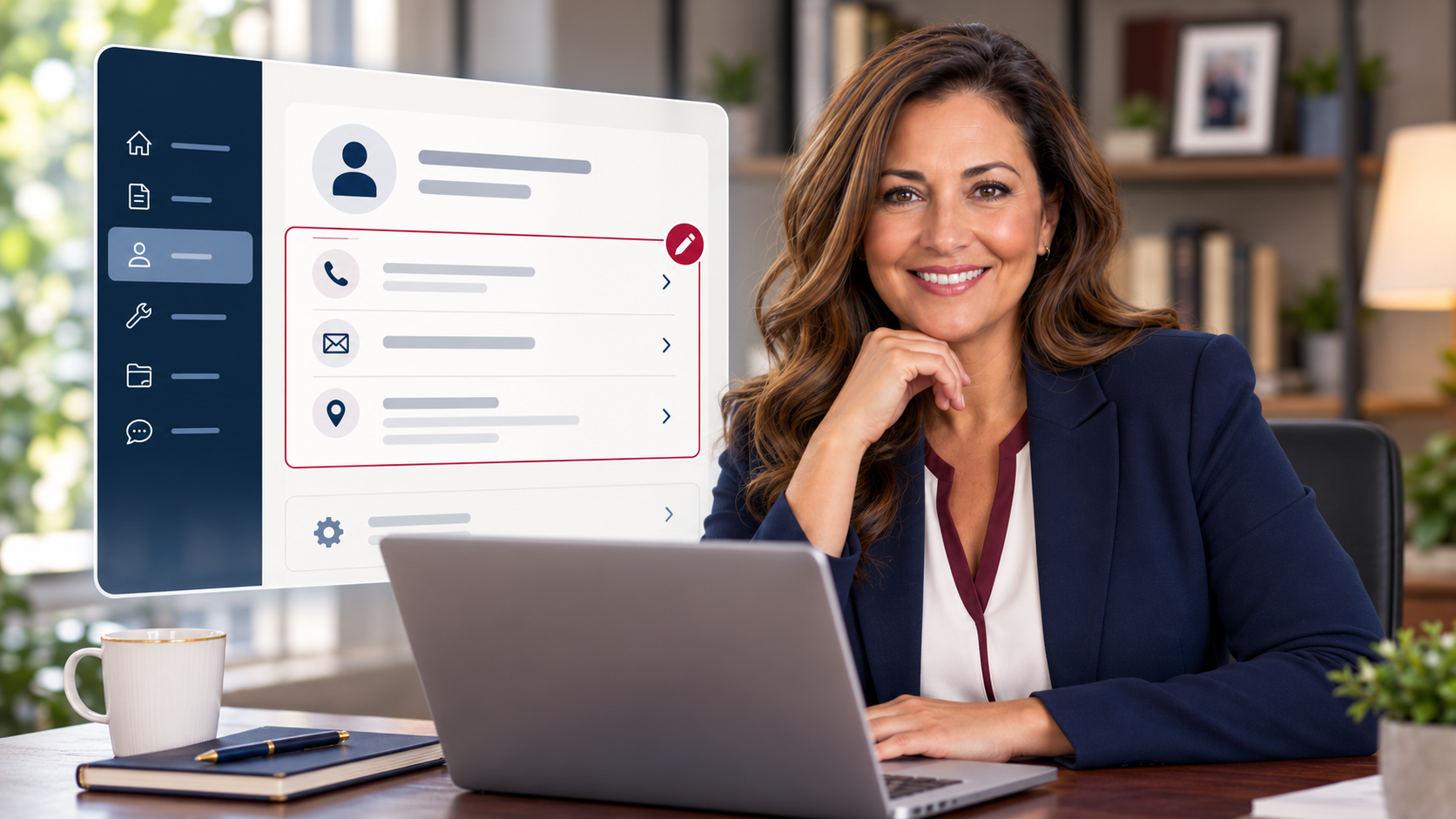
Homeowners can add or update their contact information from the My Profile section of the Homestead Homeowner Portal. From there, you can add phone numbers and other contact information or use the pencil icon to edit existing information.
Keeping your contact information current helps make sure important community communications can reach you.
You can add or update your phone number, email address, mailing address, and other contact information directly from the My Profile section of your Homestead Homeowner Portal.
First, log in to your Homeowner Portal.
Once you're logged in:
To change a phone number, email address, mailing address, or other existing contact information:
That's it.
Keeping your profile current is one of the easiest ways to make sure your association and management team have accurate information when they need to reach you.
If you haven't logged in yet or are having trouble accessing your account, start with our guide:
How to Access Your Homeowner Portal →
You can also visit your community website to access homeowner resources and your association's portal. All Association Portals→